
Login
Bloomz for CitiesCities PricingBlog
Your Priorities
Boil-water & weather noticesPotholes & 311 reportsPermits, licenses & program feesCouncil & commission meetingsLeaks & meter dataPublic-records requestsAnswer residents automaticallyNew-resident welcomeAll city use cases
By Role
City Manager & CouncilCity ClerkCommunications / PIOPublic WorksParks & RecreationFinance & UtilitiesEmergency ManagementResidents & FamiliesLocal BusinessesVolunteers & Community Orgs
By City Size
Towns (under 10k)Small cities (10k to 50k)Growing cities (50k+)
Why Bloomz for Cities
Bloomz for Cities OverviewCities PricingWhy switchvs CivicPlusvs Alert-Only Systems
Engage Residents
Branded City AppSmart AlertsAINeighborhood MapsResident ConnectAICity AnswersAISlick Sites for CitiesAI
Run the City
Agendas & MinutesAIPublic RecordsPermits & LicencesBeHeard 311Code EnforcementRecreationCity PaymentsHousehold ImportUtility Insights · Add-on
Build Community
Civic RewardsNeighborhood ChallengesNeighborLiftVolunteer Hours · SoonCities Pricing
Make the Switch
Why switchCost Worksheet · NewHousehold importCities PricingWhat's New
Compare Bloomz vs.
vs CivicPlusvs Alert-Only Systemsvs SeeClickFixvs CivicRec / RecDeskvs NextRequestvs CivicClerk / Granicus
Company
About BloomzSecurity & Compliance
Agendas & Minutes

Publish a meeting agenda once. Bloomz handles the calendar, the documents and the notice.

Agenda management software for city council and commission meetings: no more updating a website, a calendar and a mailing list separately.

The Meeting Hub lets your clerk's office build an agenda packet, publish it, and publish approved minutes from the control panel used for alerts and the website. Publishing creates the calendar entry, lists the packet and minutes in the public Documents, and notifies subscribed residents, translated. Where the city provides one, a live-stream link travels with the notice.

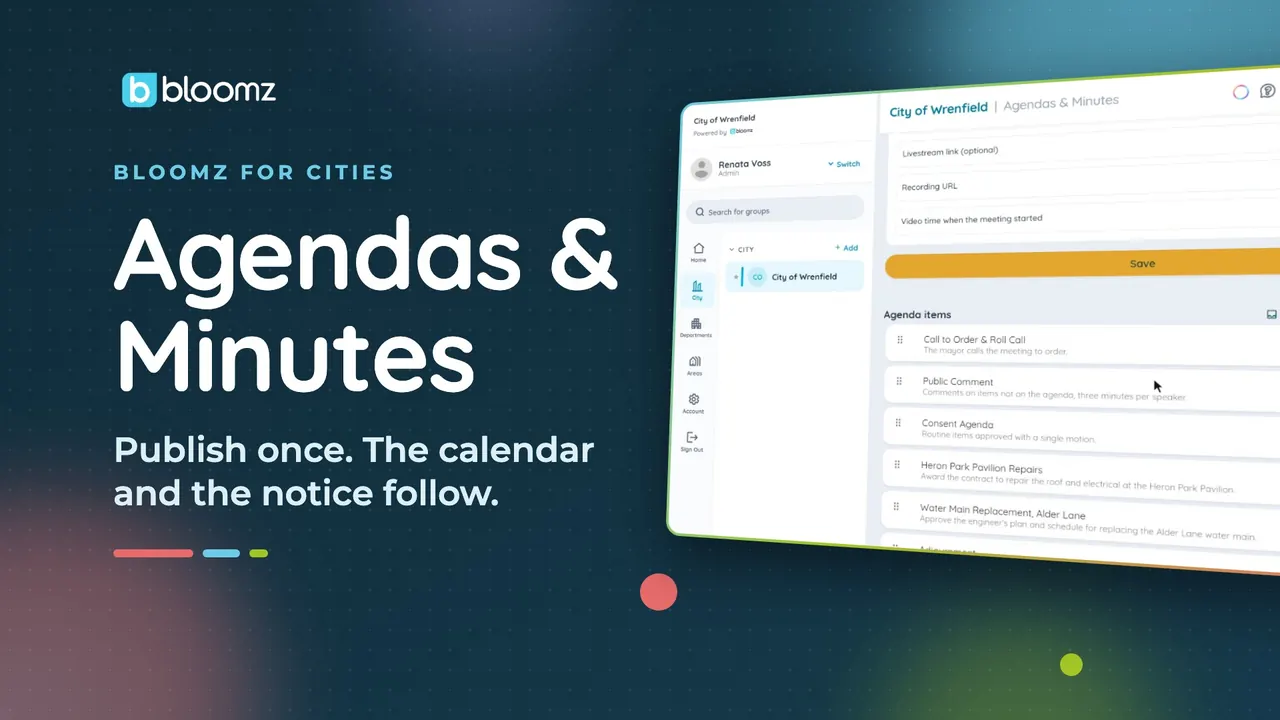
Bloomz Agendas & Minutes: publish once, run the meeting live, publish the minutes
Read the transcript

A council meeting shouldn't mean three separate updates. Bloomz Agendas and Minutes does it once. Build the agenda with items and attachments, and let departments submit their own for review. Publish once, and the meeting lands on the calendar, its attachments are listed in Documents, and residents get a notice. Run the meeting live, and roll call, motions and votes are recorded as you go. Add the recording link, and every item gets a Watch from here link. Publish the minutes, and residents are notified again. Publish once, and keep every meeting on the record. Bloomz Agendas and Minutes.

01

One publish step instead of three

A clerk's office often posts a PDF to the website, adds a calendar entry and drafts a reminder by hand: three updates for one meeting. In Bloomz, publishing the agenda does all three, and a live-stream link rides along when the city has one.

✓
One publish action: calendar entry, document listing and notice created together
✓
Public Documents listing: agenda packets and approved minutes, organized and searchable
✓
Department-submitted items: approve or return items before they reach the packet
✓
PDF packets: export the packet or the minutes
02

Residents notified, translated, without a second step

The notification system that sends an alert also sends a meeting notice, in the resident's own language, to the app residents already check. Residents can leave public comments before the cutoff, which defaults to 24 hours before the meeting.

✓
Notices in the resident's language: translated like every other city notice
✓
Public comment: with a cutoff you set
✓
Roll call, motions and votes: recorded in the meeting
✓
Elected officials with term dates: seats and terms kept in one place
City of Fort MeadeSlick Sites for Cities · Edit in place
Fort Meade city website
City of Fort Meade
GovernmentServicesPayContact
Welcome to Fort Meade
BILink
Click any text or image and change it right on the page.

Click any text or image and change it on the page.

Step 1 of 3: Edit in place
Illustrative screens with demo data
03

A body that meets every month should not be retyped every month

Set the schedule once, such as the second Tuesday monthly through June, and drafts appear ahead of time for your clerk to fill in. Duplicate last month's meeting and change the two items that differ. The calendar entry follows the meeting through its life: reschedule it and the public calendar moves, cancel it and the entry goes with it.

✓
Recurring meeting schedules: set the pattern once
✓
Duplicate a meeting: start from the last agenda, not a blank page
✓
The calendar keeps up: reschedules and cancellations follow automatically
✓
Import history: bring past meetings in from a CSV, or from your old website
Once
to set a recurring schedule
Drafts appear ready to fill in; reschedules and cancellations follow through to the public calendar.
04

Every agenda item, linked to its moment in the recording

When the clerk presses Start Meeting, each item, motion and consent item is timestamped as the meeting moves through it. Add the meeting's Recording URL, such as its YouTube stream, and every item gets a Watch from here link that opens the video where it was discussed, on the public meeting page, in the member view and in the compiled minutes. If the stream started before Start Meeting, the clerk enters the video time when the meeting started so the links line up. A one-tap Bookmark marks any other moment, and a label can be added afterwards. Bookmarks and motions show on a timeline once the meeting is completed, and closed-session items never do.

✓
Watch from here: each item, motion and bookmark opens the recording at its moment
✓
Live bookmarks: one tap during the meeting, labelled later
✓
Video start time: the clerk enters it when the stream began before Start Meeting
✓
A timeline after the meeting: bookmarks and motions, never closed-session items
City of Fort MeadeAgendas and Minutes · Build the packet
City Commission, regular meeting
Tue, Oct 13 · 6:00 PM · City Hall chambers · livestream
Draft
Agenda items
1Call to order and invocation
2Approval of minutes, Sep 22 meetingminutes-sep22.pdf
3Ordinance 2026-14, first readingord-2026-14.pdf
4Peace River Park pavilion improvementspavilion-bid-summary.pdf
5Public comment
Publish agenda

Order the items and attach documents to each one.

Step 1 of 7: Build the packet
Illustrative screens with demo data
05

Standard documents and new submissions, handled at the clerk's desk

Keep standard templates for documents such as resolutions and ordinances. When staff add or submit an agenda item, they pick the document type and start from the template, with the meeting details filled in. The clerk gets an alert when a department submits an item, and it opens the review queue on the submitted items.

✓
Document templates: resolutions, ordinances and your own, with fields filled in
✓
Start from template: when an item is added or submitted
✓
New-submission alerts: the clerk hears about each submitted item
✓
Agenda templates: save a meeting as a template and apply it to the next one
06

Boards and commissions, recruited and appointed in one place

The clerk keeps every board's seats with their holders and term dates. Seats that are vacant or end within 90 days are flagged, and the clerk is reminded 60 and 30 days before a term ends. Open a board to applications and residents apply in the app or on the city website, with a résumé. Staff score, interview and appoint, and the appointee can be added to the board's roster for votes. For the meeting itself, the clerk can add a caption file (WebVTT or SRT) or a timed transcript, and the captions play in sync with the city's own recording on the website. In the app, an agenda item that mentions a section of your code, such as Sec. 12-34, links to that section of the municipal code on your website.

✓
Seats and terms: for every board and commission
✓
Applications online: in the app or on the city website, with a résumé
✓
Score, interview, appoint: and add the appointee to the roster
✓
Captions you supply: WebVTT, SRT or a timed transcript
City of Fort MeadeBoards, Commissions and Captions · Seats and terms
Planning & Zoning Board
SeatHolderTerm ends
Seat 1Grace O.Jun 2027
Seat 2Luis M.Jan 2027
Seat 3VacantOpen
Seats that are vacant or end within 90 days are flagged, and the clerk is reminded 60 and 30 days before a term ends. Open a board to take applications.

Every seat with its holder and term end, with vacancies flagged.

Step 1 of 4: Seats and terms
Illustrative screens with demo data
Bloomz AI on this pageAI
Bloomz AI drafts minutes from a transcript you supply.
Paste or upload a transcript (.txt, .vtt or .srt) and AI returns per-item summaries and a minutes narrative. It writes to the draft only, and nothing publishes itself. It does not record or transcribe the meeting, and it is available where Bloomz has enabled it for your city.
Questions we hear

Common questions

Does Bloomz transcribe the meeting?

No. There is no automatic transcription or live captioning. If you have a caption file or a transcript with times, the clerk adds it and the captions play with your recording on the city website. With a transcript, the AI minutes assistant can also draft minutes, and staff review before anything publishes.

Can residents apply to serve on a board?

Yes. When the clerk opens a board to applications, residents apply in the app or on the city website, with a résumé. You choose whether applicants must live in the city. Staff review, score and appoint in Bloomz.

Can residents jump to one agenda item in the recording?

Yes, when the meeting has a recording link. Items, motions and bookmarks are timestamped while the meeting runs live, and each one gets a Watch from here link. Bloomz does not host the video; the link opens your own recording, such as your YouTube stream.

Does it make us compliant with open-meetings law?

Bloomz gives you tools to publish agendas, packets and minutes and to notify residents. Compliance with your state's rules is your city's responsibility.

Can residents see the agenda on our website?

Yes, when meetings on the website are switched on, agendas, packets and minutes appear in the public listing.

Keep exploring

More of Bloomz for Cities

Slick Sites for Cities
Slick Sites for Cities: one control panel for the website and the alerts.
Explore →
Public Records
A public-records request, with a clock, an owner and a status the requester can check.
Explore →
Resident Connect
Neighborhood groups, a newsletter, public calendars and forms, without a separate tool for each.
Explore →
See it live

See Bloomz
in your city.

A short call focused on your city's size, your priorities and the systems you use today, not a generic pitch.