
Open a program, fill it, run the waitlist
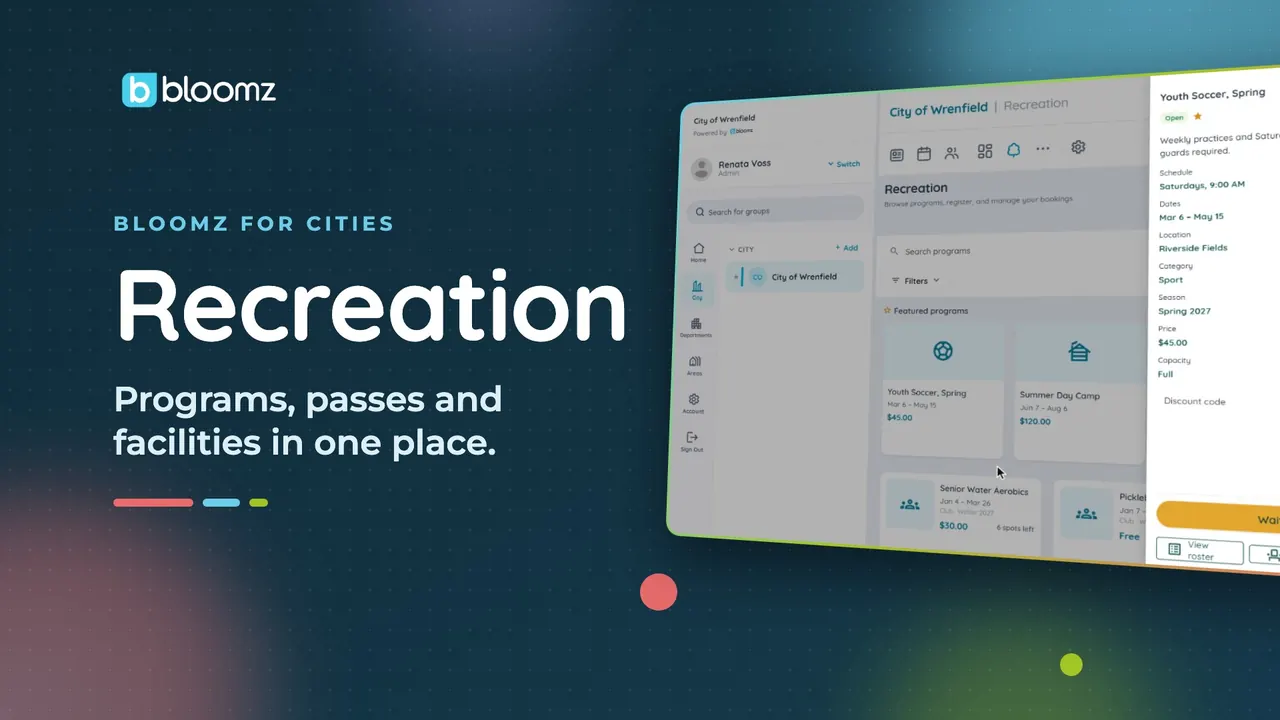
Create a program with a title, category, season, schedule, location, capacity, registration window, price and photo. Programs move through Draft, Open, Closed and Archived, and you can clone one to a new draft for next season. When a program is full, residents join a waitlist and are never turned away; the oldest waitlisted resident is promoted when a spot opens.
Rosters, fees and discounts
Staff see the roster with filters, export it to CSV, check people in and out, transfer a registration and cancel one. Paid programs charge through the billing engine, with early-bird and promo-code discounts and payment plans. When a paid registration is cancelled, staff decide what to refund.
Permit fees, facility rentals, registrations and service statements in one list, each payable from the same place.
Facility requests, approved by staff
Add a facility with a description, rules and hours. A resident requests a slot, staff approve or decline, and approval puts an event on the calendar. Only approved bookings count toward conflicts. A resident's facility request carries no fee in the app. For paid rentals to outside groups, the Facility Rentals module adds a public request form, insurance certificates and signed agreements, approval steps, recurring bookings and deposit and balance invoices.
Memberships, passes and a front desk
With Memberships & Front Desk turned on, your department sells individual, family, senior and youth plans with a resident price and a non-resident price, billed monthly or yearly and renewing automatically, plus visit passes such as ten swims. A member's card lives in the app with a QR code, and staff scan it to check them in. One front-desk screen sells memberships, passes, program registrations and drop-ins for cash, check or the resident's account, with a receipt number. A program can run as a league, with teams, a schedule, scores and standings, and a cost recovery report sets each program's revenue against the costs staff enter.
Resident and non-resident prices for memberships and visit passes.
Common questions
Yes. A resident can register themselves or someone in their household, or several people at once.
A resident's facility request in Recreation does not. With Facility Rentals switched on, an outside group requests a rental from a public form, uploads its insurance certificate, signs the agreement online, and pays the deposit and balance invoices by card from its rental link, where the city takes payments in Bloomz. Weekly series such as every Tuesday until June are approved together, with a conflict check for each date.
Your city is onboarded to a payment processor first. Free programs do not need it.
Yes, with Memberships & Front Desk, which a City admin turns on inside Recreation. Members buy in the app or at the front desk, and staff scan their card to check them in. Leagues also need Athletics switched on for the city.
More of Bloomz for Cities
Also see: Facility Rentals for paid rentals to outside groups.
See Bloomz
in your city.
A short call focused on your city's size, your priorities and the systems you use today, not a generic pitch.